Whether you’ve moved house or found a typo in your name – we’ve got you covered!
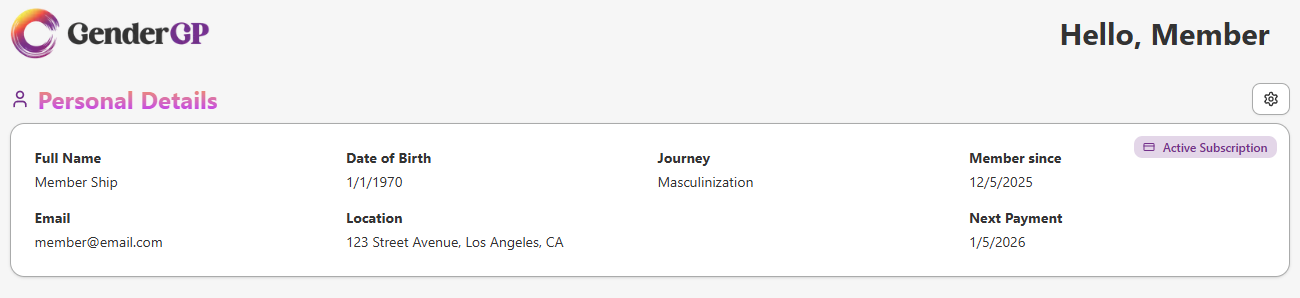
2. You'll see your details how they currently are. In the top right, hit the cog icon to open the User Settings menu
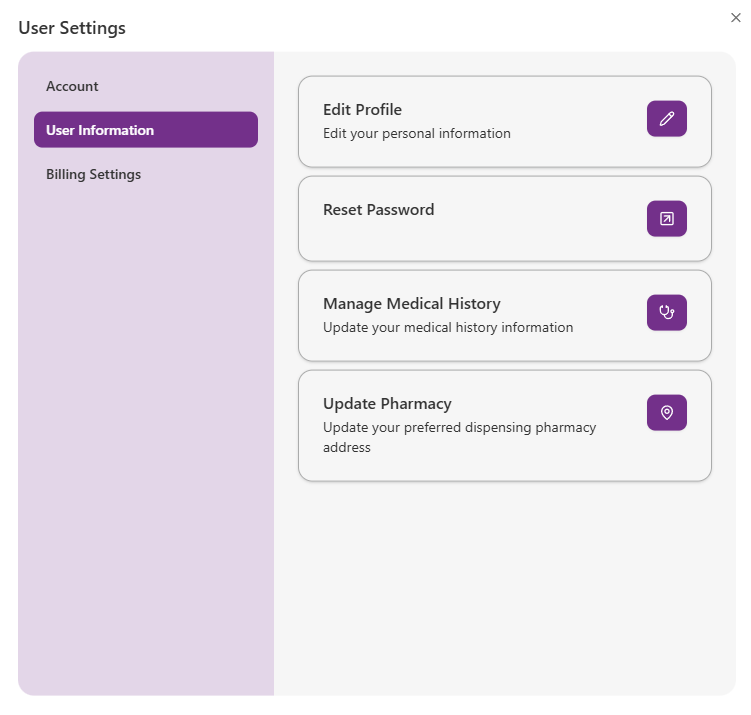
3. Hit User Information and hit the pen icon next to Edit Profile
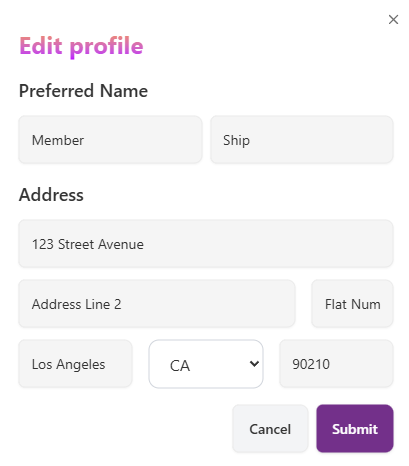
5. Hit Submit when you're finished and your details will be updated! You'll see any changes reflected in your Personal Details section
